If you’ve been exploring invitation options for a bridal shower, baby shower, or smaller event, you’ve likely come across editable Canva templates.
They’ve become incredibly popular — and for good reason.
But if you’ve never used one before, you might be wondering:
- How do they actually work?
- Are they easy to use?
- Will they look as polished as professionally printed invitations?
This guide will walk you through exactly what editable templates are, why so many people love them, and how to use them confidently — while still achieving a beautiful, elevated result.
What Is an Editable Invitation Template?
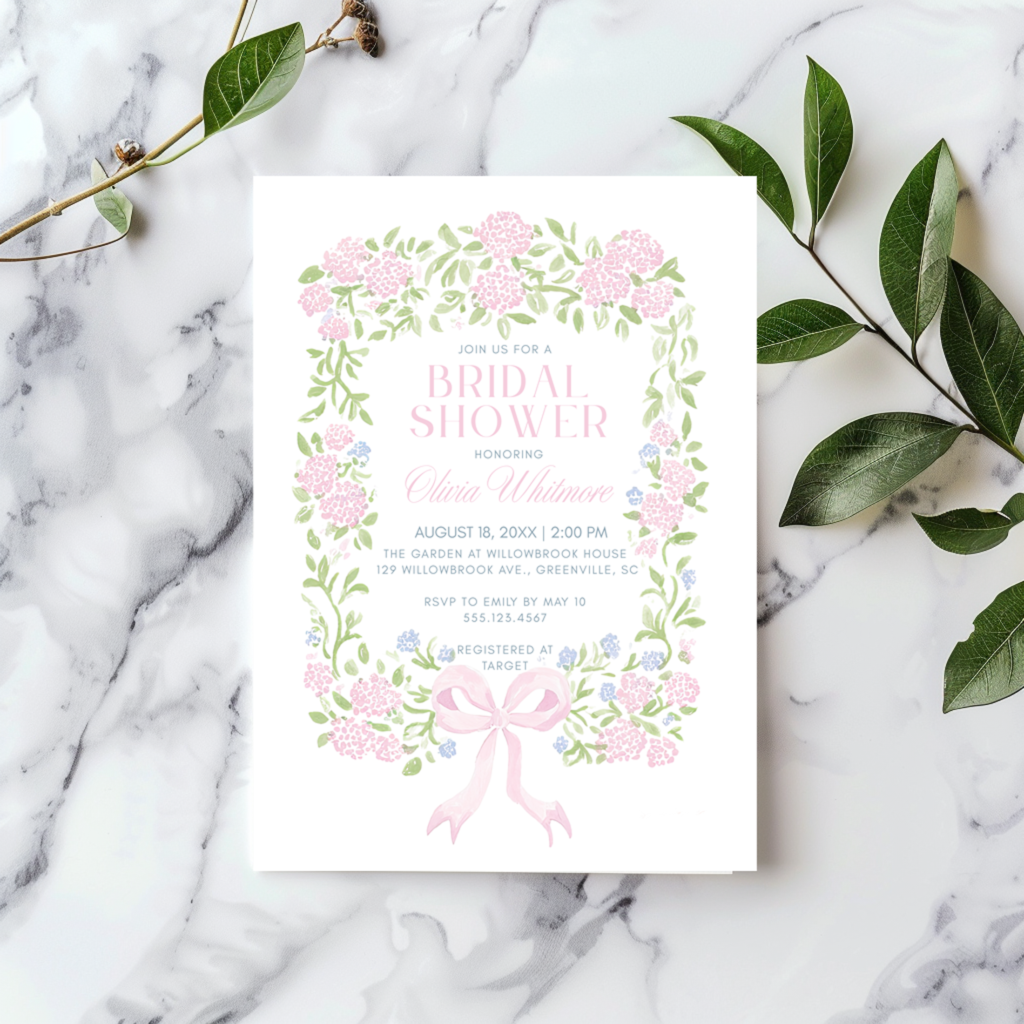
An editable invitation template is a pre-designed layout that you can customize yourself.
Instead of placing an order and waiting for a proof, you receive:
- A link to your design
- Access to edit it directly online
- The ability to download and print (or send digitally)
Many of today’s templates — now including many of the digital invitations we offer — are designed to be edited in Canva, a free and user-friendly design platform.
Why Canva Templates Have Become So Popular
There’s a reason more and more hosts are choosing this option.
1. They’re Immediate
With traditional invitations, there’s a process:
- Order
- Proof
- Revisions
- Production
With templates, you can access your design within minutes.
This is especially helpful for:
- Last-minute events
- Busy schedules
- Quick turnaround needs
2. They’re Budget-Friendly
Templates eliminate the cost of:
- Custom design time
- Printing (if you choose to print yourself)
This makes them a great option for:
- Showers and smaller celebrations
- Events with larger guest lists
- Anyone looking for flexibility without sacrificing style
3. They’re Easy to Use
Canva is designed to be intuitive.
Most edits are as simple as:
- Clicking on text
- Typing your details
- Adjusting colors or layout if desired
You don’t need design experience to create something beautiful.
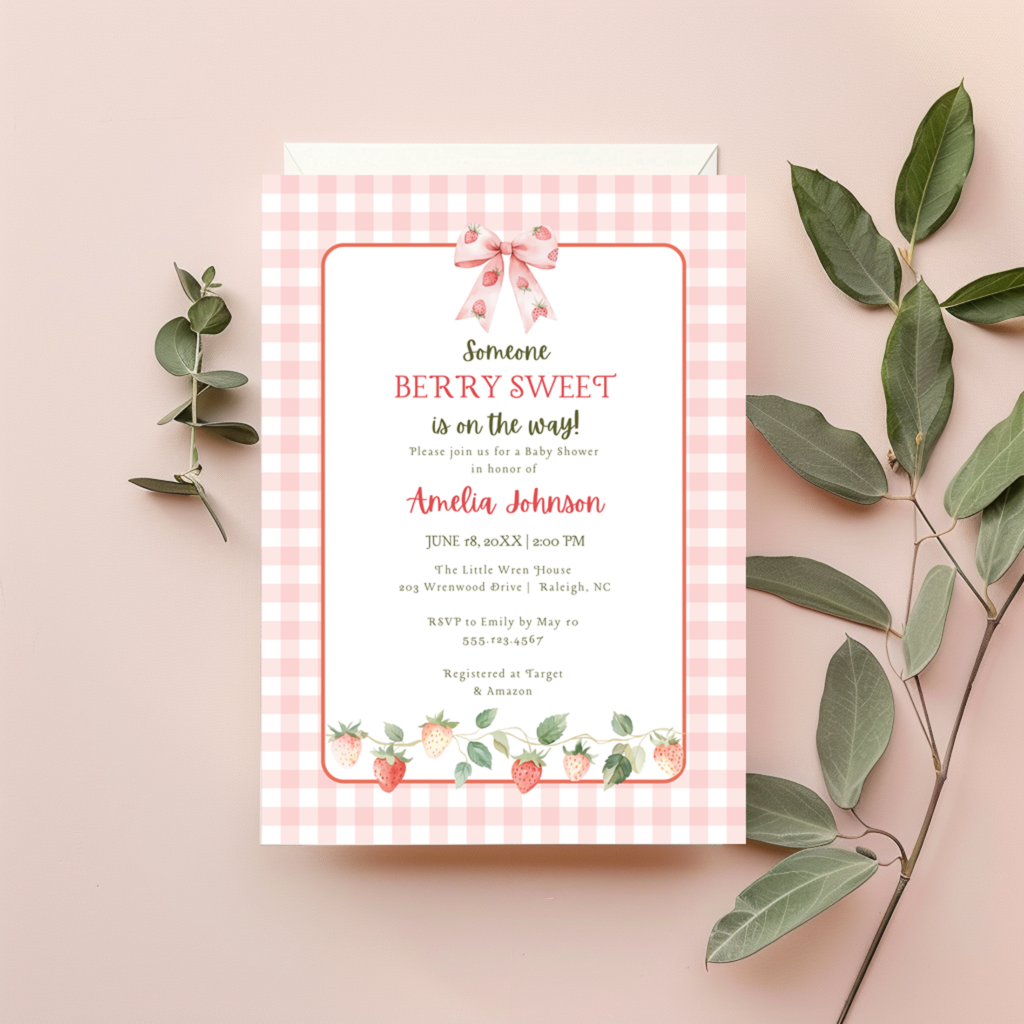
4. They Still Look Polished
One of the biggest misconceptions about templates is that they feel generic.
In reality, when professionally designed, they offer:
- Balanced layouts
- Thoughtful typography
- A cohesive, elevated look
The difference is that you’re personalizing an already strong design foundation.
What Can You Customize in Canva?
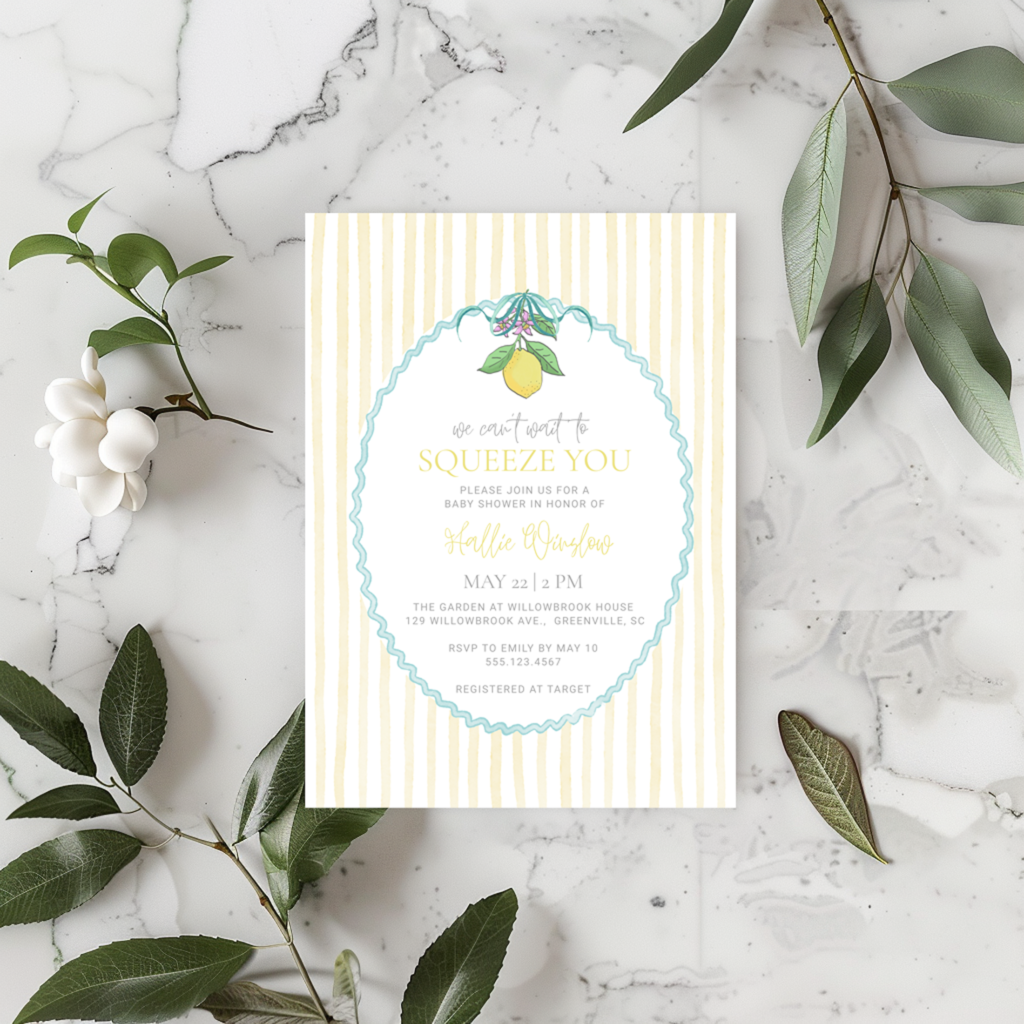
Most templates allow you to adjust:
- Names and event details
- Date, time, and location
- Colors (on some elements)
- Backgrounds
- Font sizes and placement
Some designs also allow for:
- Adding extra text
- Duplicating pages
- Creating coordinating pieces
This flexibility makes templates incredibly versatile for different types of events.
How to Use a Canva Invitation Template
The process is simple and designed to feel stress-free.
Step 1: Open Your Template Link
After purchase, you’ll receive a link that opens directly in Canva. To access the link, simply click “purchases” in your account profile. To the right of your order you should see a “download files” button. Download and open the included pdf. This file includes the access link to your Canva template.
Step 2: Personalize Your Design
Update your:
- Names
- Event details
- Any optional design elements
Take your time here — this is where your invitation becomes your own.
With Canva, there are no limits on the number of downloads, and the access never expires. You will have access to the template for the life of the listing.
Please note, however, that these templates are for PERSONAL USE only and may not be resold, shared or used to create a new product that you resell. If we suspect that our templates are being misused, we reserve the right to revoke access at any time, without notice.
Step 3: Download Your File
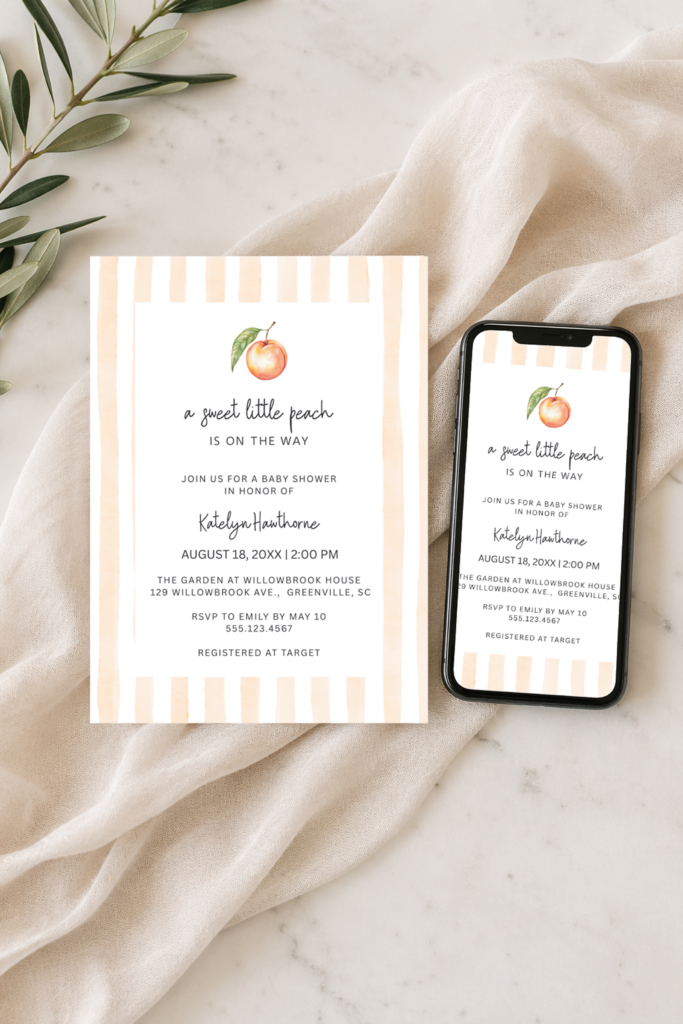
You can download your invitation as:
- PDF (best for printing)
- PNG or JPG (great for digital sharing)
Step 4: Print or Send Digitally
You can:
- Print at home
- Use a professional printer
- Send via text or email
- Upload to your event page
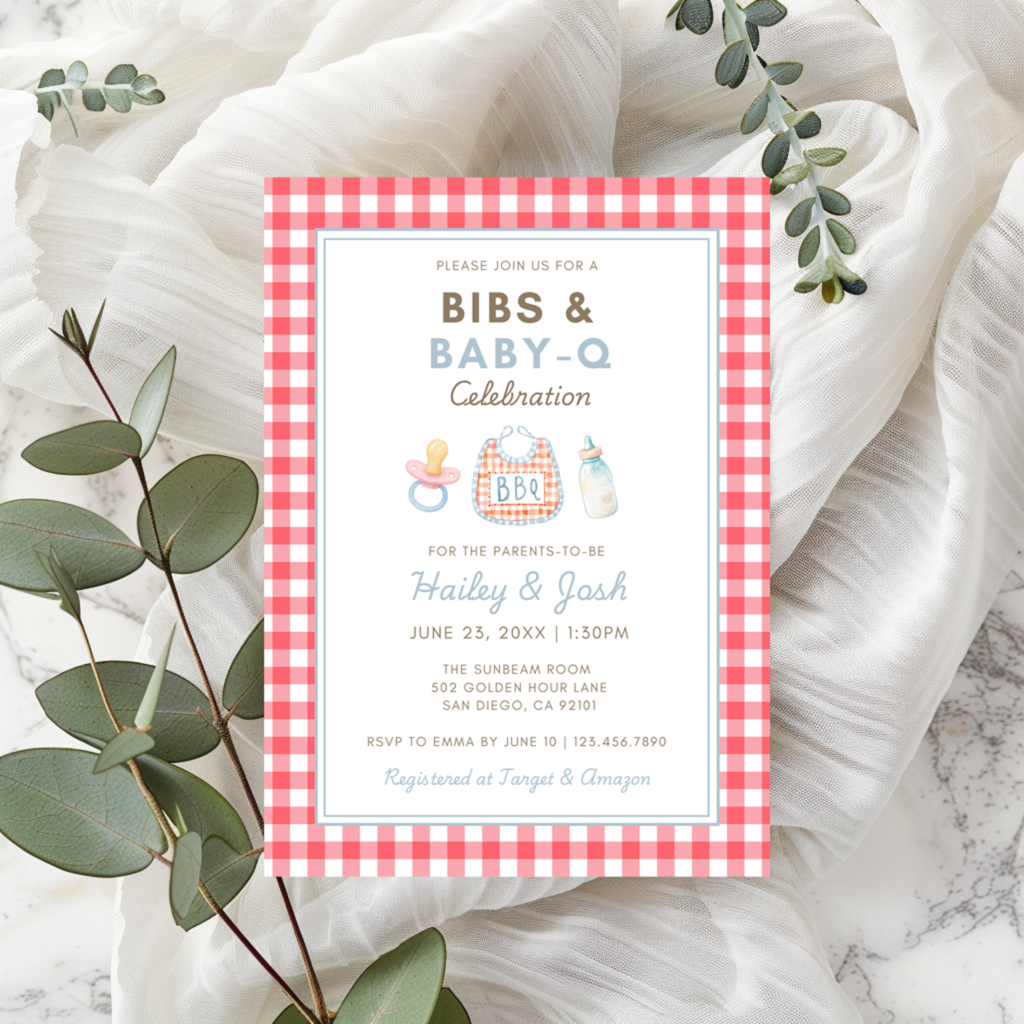
When Templates Are the Perfect Choice
Editable templates are especially well-suited for:
- Bridal showers
- Baby showers
- Birthday celebrations
- Smaller gatherings
- Events with shorter timelines
They offer a balance of beauty, flexibility, and convenience.
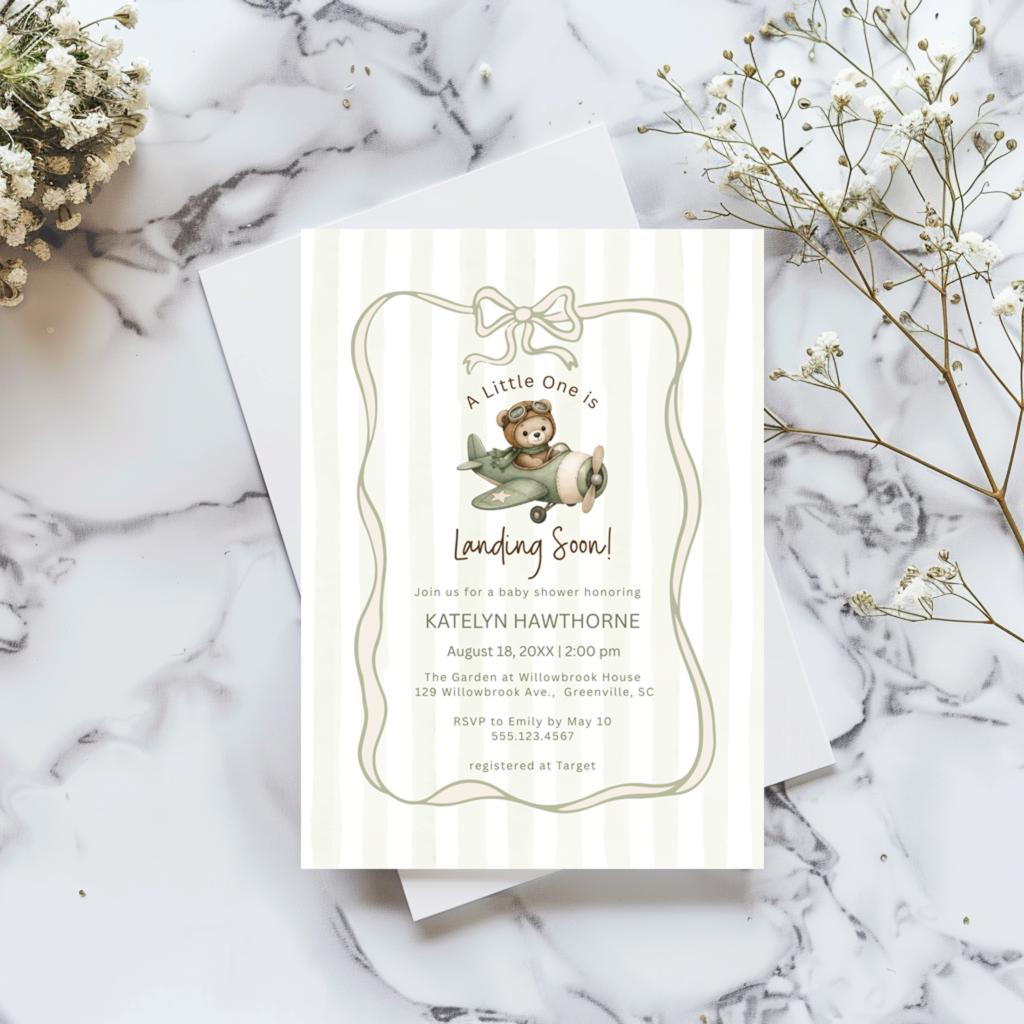
When You Might Want Something More Custom
While templates are a wonderful option, there are times when a more hands-on approach makes sense.
For example:
- Formal weddings
- Highly detailed or custom design visions
- Events requiring multiple coordinated pieces
In those cases, a fully guided design process may be a better fit.
A Thoughtful Approach to Templates
Templates aren’t about doing everything yourself — they’re about giving you the tools to create something beautiful, easily.
When thoughtfully designed, they allow you to:
- Stay within your budget
- Move at your own pace
- Still achieve a polished, cohesive look
And for many modern celebrations, that balance is exactly what’s needed.
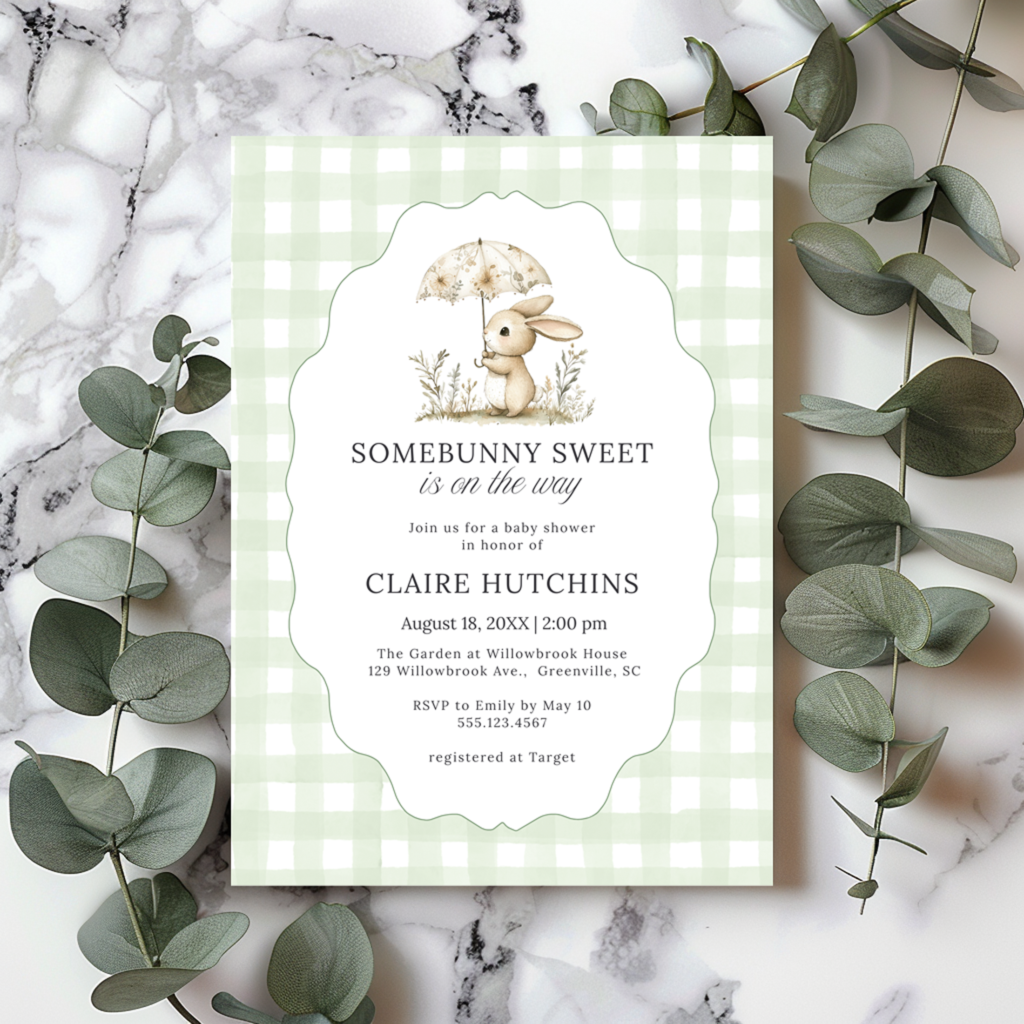
Final Thoughts
Editable Canva templates have become popular because they meet people where they are.
They’re flexible, accessible, and surprisingly refined when designed well.
Whether you’re planning a shower, a small gathering, or simply want a more hands-on approach, they offer a simple way to create invitations that feel both personal and beautiful.

Leave a Reply